
AI voice input, on your finger
Tap.Speak.It's typed
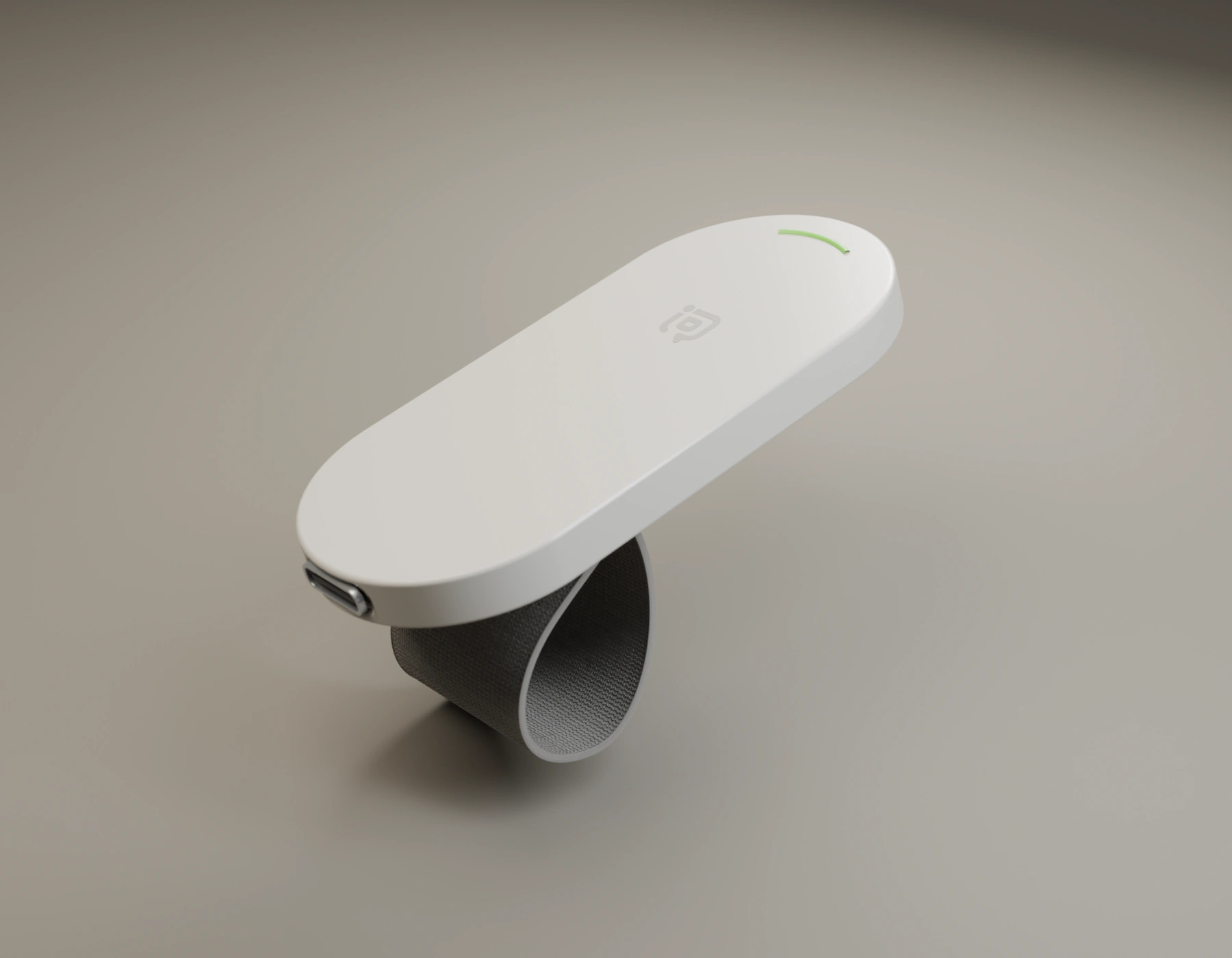
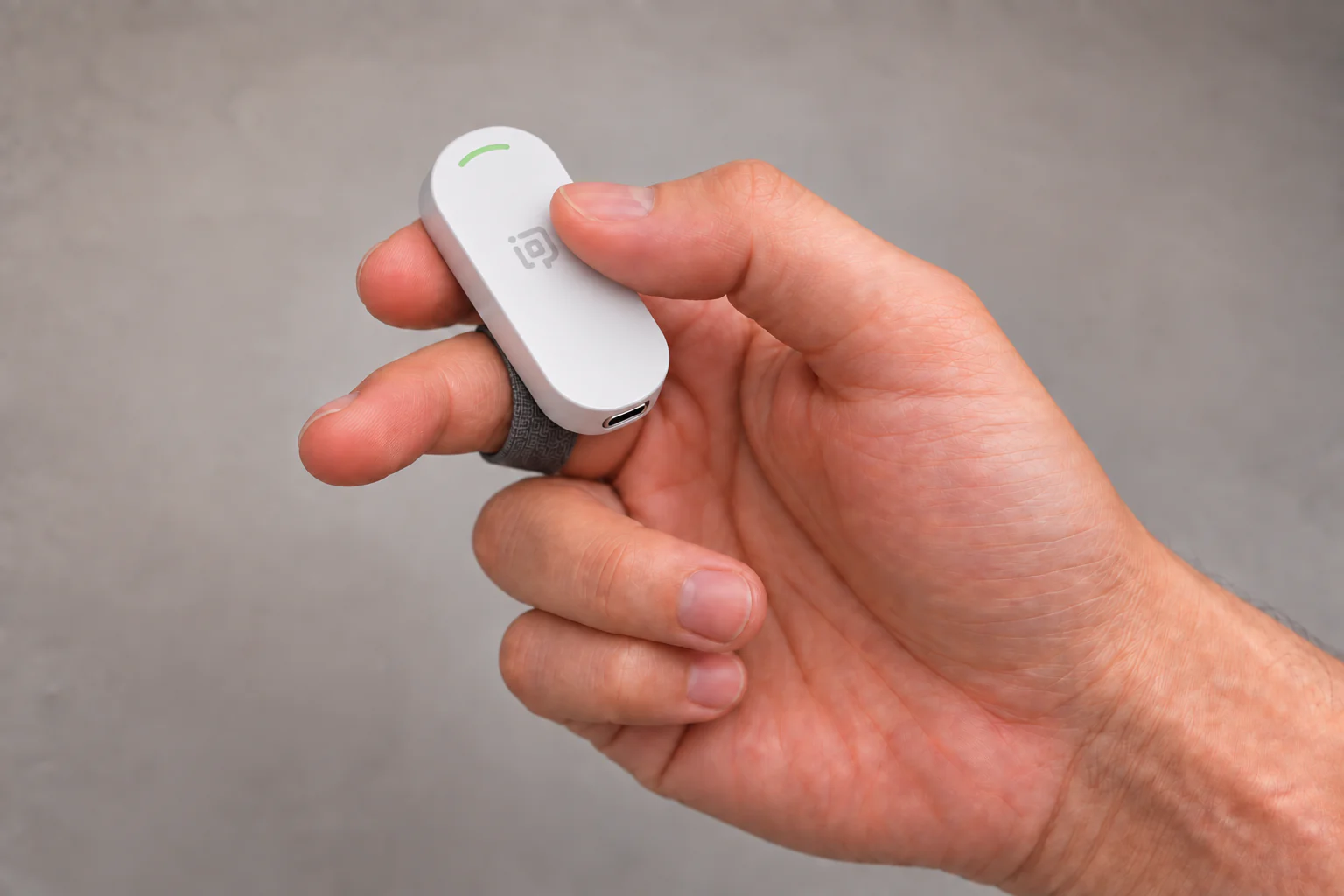
A tiny button you wear on your finger. Tap once and talk to any app on your Mac or Windows PC — your dictation tool, your chat, your coding agent. No reaching for shortcuts, no leaning into the laptop mic.
Reserving in United States · United Kingdom · Germany · France · Spain · Italy · Singapore · Malaysia · China
Concept render · final product may differ
Why TypePoint
Your best ideas don't wait for the keyboard.
Voice is the fastest way to get words out. What slows it down is everything around it: finding the shortcut, getting close to the mic, switching windows. TypePoint moves all of that to your fingertip.
Talk to your coding agent
Describe the change you want to Claude Code, Codex or Cursor without breaking flow. Tap, say it, tap Enter.
Write in a language that isn't your first
Say it the way you think it. Your dictation tool does the typing; you stay in the conversation.
Dictate all day, comfortably
Lean back, walk around, keep your hands free. The mic is on your finger, not across the desk.
How it works
Every tap is a real keyboard shortcut.
Two buttons, six gestures. Each one sends a standard shortcut, so TypePoint works with the tools you already use — and you can remap every gesture in the free TypePoint app.
| Tap | Start talking | F18 |
|---|---|---|
| Double-tap | Your shortcut | F19 |
| Hold | TypePoint Agent (coming) | F20 |
| Tap | Enter / send | Enter |
|---|---|---|
| Double-tap | Select all | ⌘A |
| Hold | Delete | ⌫ |
Defaults shown. Remap any gesture in the TypePoint app.
Every language you speak
Say it in your language. It lands where your cursor is.
TypePoint carries your voice to the dictation tool you choose, so it speaks the languages your tool speaks — and you can switch mid-day without changing hardware.
Language support depends on the dictation tool you use.
What you get
Useful on day one. Better with every update.
At launch
- TypePoint finger button with charging cable
- Free TypePoint app for Mac and Windows: pairing, shortcuts, voice input
- Works with dictation tools that let you pick a microphone
- Six remappable gestures
Coming in updates
- TypePoint's own speech recognition and AI clean-up
- TypePoint Agent on a long press
- A buzz on your finger when your AI agent is waiting
Delivered through free app and firmware updates. Plans may change.
Design
Light on your hand. At home in your day.
A soft oval button on a woven strap that fits any finger. We're still refining the details — these are concept renders.
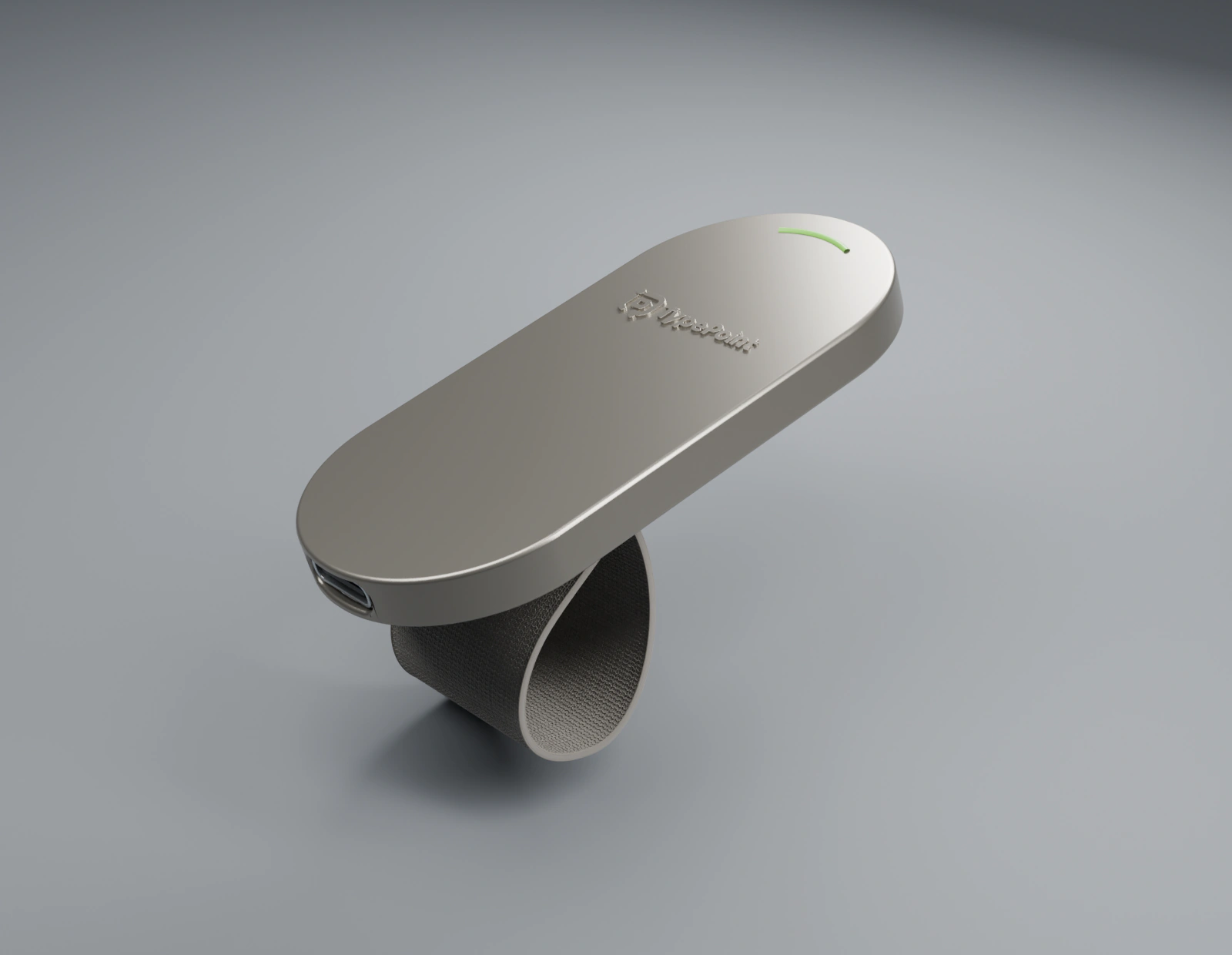
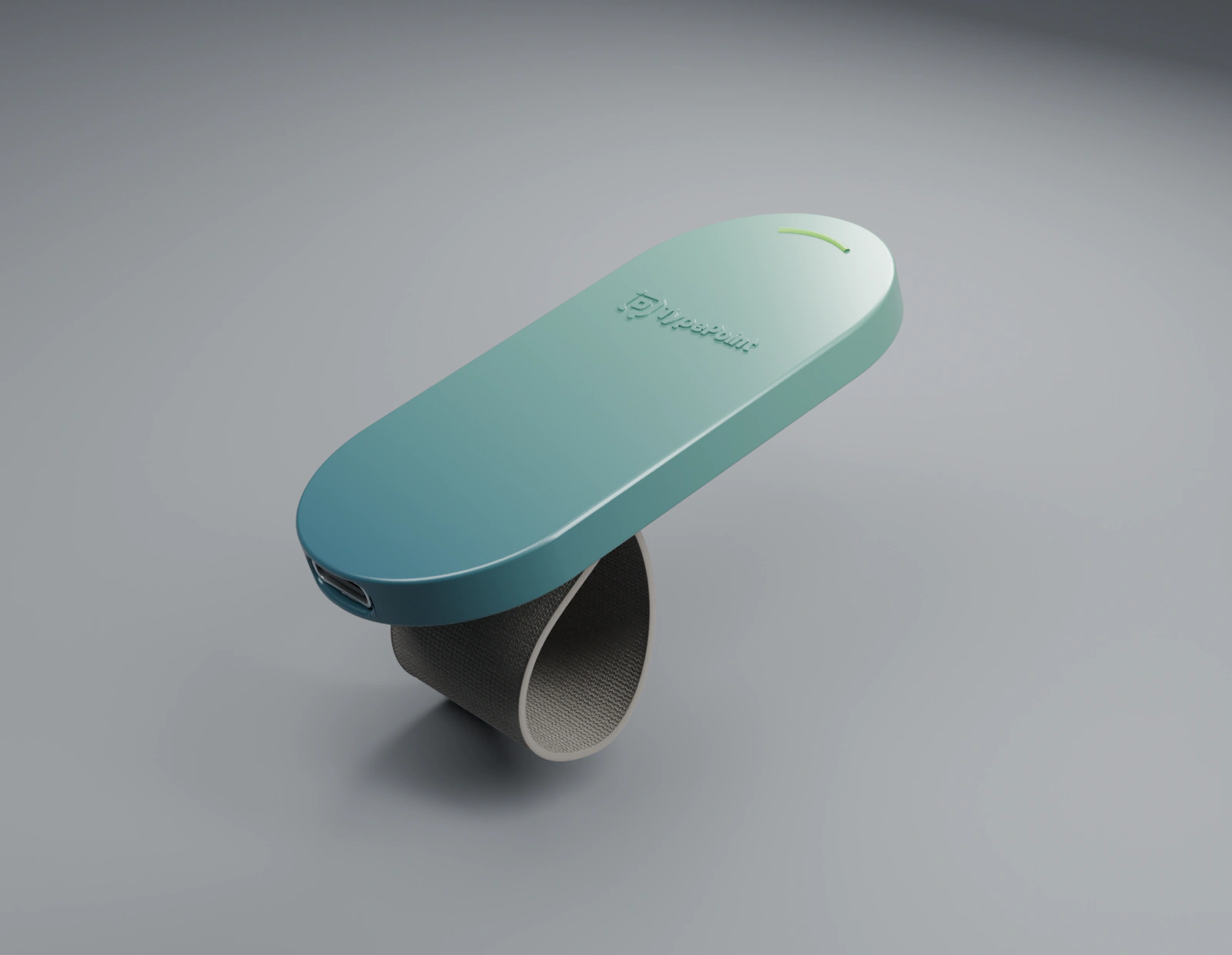
Colours and materials are explorations, not final versions.
Film
Meet TypePoint in 90 seconds.
A concept film about the moment an idea appears — and how fast it can become text.
FAQ
Questions, answered.
Do I pay anything to reserve?
No. Reserving is free and doesn't commit you to buy. We'll contact you first by email when price and ordering open in your country.
When will it ship?
We'll announce price and dates by email. In each country, shipping starts once TypePoint has completed that country's radio certification.
Which computers does it work with?
Mac with macOS 12 or later (Apple Silicon or Intel), and Windows PCs. On Apple Silicon Macs it works with dictation tools that let you choose the microphone. On Intel Macs it works with input methods such as WeChat Input Method and Typeless. On Windows it connects in dual mode as a Bluetooth hands-free headset and works with third-party input methods such as WeChat.
Do I need an app?
Yes — the free TypePoint app for Mac or Windows. It pairs the button and sets your shortcuts. On Mac it also provides the TypePoint microphone to your dictation tool; on Windows, your voice goes through Windows' built-in Bluetooth hands-free audio.
Is the microphone always listening?
No. The mic only turns on when you press the voice button, and stops when you finish.
Which apps can I talk to?
Anything you can type in. Voice works through dictation tools that let you choose the microphone; we're verifying the compatibility list and will publish it before shipping.
I'm not in one of the nine countries.
Choose “Other” in the form and tell us where you are. We'll let you know when TypePoint comes to you.
Reserve
Reserve yours. It's free.
Tell us where you are and how you'll use it. You'll be first to hear about price and ordering in your country.
- No payment, no commitment
- First to know price and dates
- Ask us to delete it any time